Die Lieferung von Bestellungen nach Deutschland erfolgt je nach Bestimmungsort normalerweise innerhalb von 48 Stunden.
Kostenlose Lieferung nach Deutschland für Bestellungen im Wert von 50 EUR oder mehr. Für Bestellungen im Wert von unter 50 EUR werden Versandkosten in Höhe von 18 EUR berechnet.
UPS oder FedEx Freight, vorausbezahlt: DDP (Zoll und Steuern werden von DigiKey bezahlt)
DHL Freight, vorausbezahlt: CPT (Zoll, Einfuhrgebühren und Umsatzsteuer werden bei Lieferung fällig)
Rechnungskonto für qualifizierte Institutionen und Unternehmen
Vorauszahlung per Banküberweisung
![]()
![]()
![]()
![]()


Weitere Produkte von vollständig autorisierten Partnern
Die durchschnittliche Dauer bis zum Versand beträgt 1-3 Tage; es können zusätzliche Versandgebühren anfallen. Die tatsächliche Lieferzeit entnehmen Sie bitte der Produktseite, dem Warenkorb und der Kasse.
Incoterms: CPT (Zoll und anwendbare Mehrwertsteuer/Steuer fällig zum Zeitpunkt der Lieferung)
Weitere Informationen erhalten Sie über Hilfe und Kundendienst
In this blog we will explore the general design that can be used to create a wireless two player game, like Run Along, Jump & Jump. We will start with the basic game design, focusing on how the core game functionality works in both single player and two player versions.
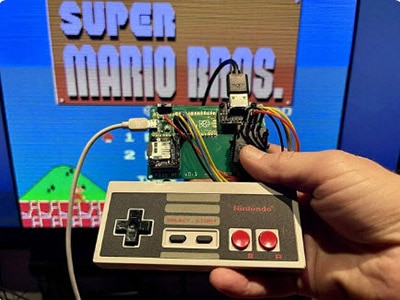
Use a Pico W or Pico 2W to bridge a wireless keyboard to a USB host.
Discover how to set up the Kitronik Mini Controller for your XRP robot using MicroPython, including detailed code and instructions.
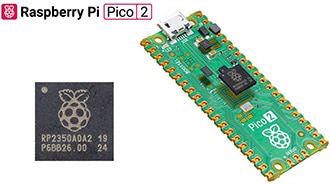
Discover the enhanced performance and features of the new Pico 2 and compare Pico 2’s RP2350 microcontroller to the original RP2040.
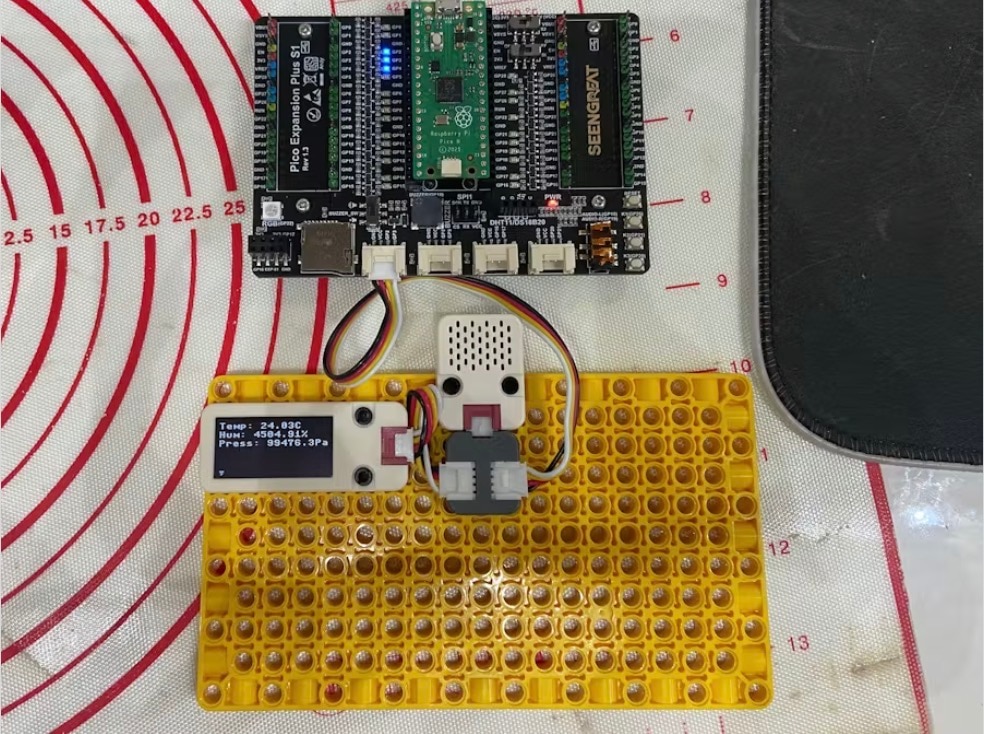
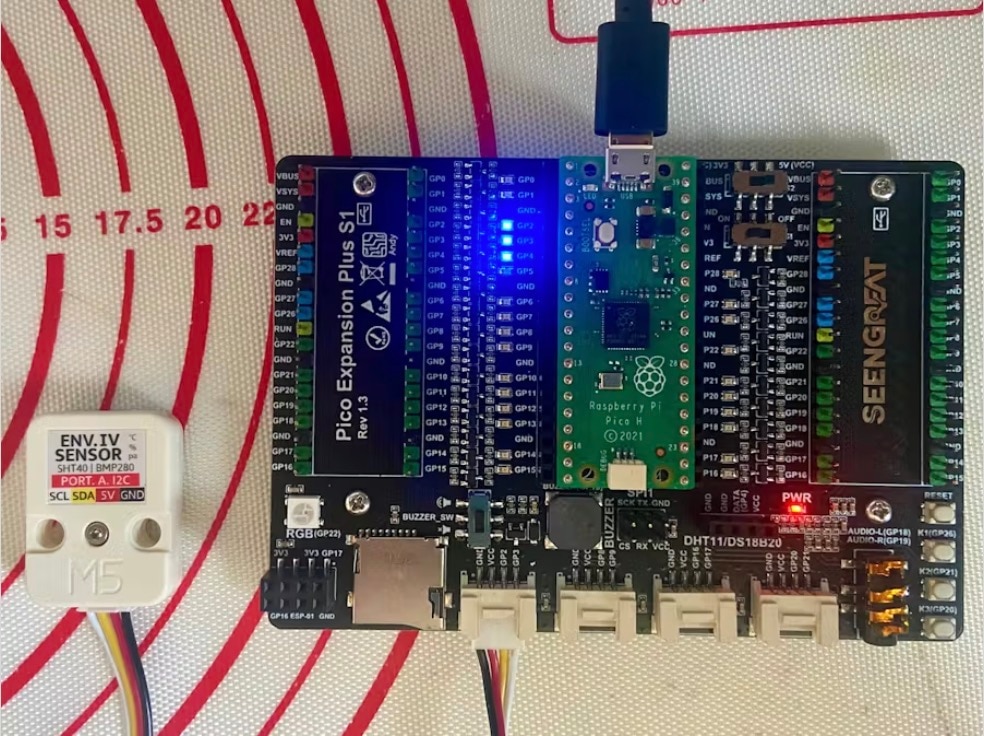
Expanding the Raspberry Pi Pico ENV IV guide to add an M5Stack OLED Unit.
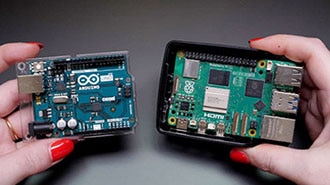
Understand the distinction between microcontrollers and single-board computers and explore their respective applications in DIY projects.
Program the M5Stack ENV IV in Micropython on the M5Stack Core and Raspberry Pi Pico W.
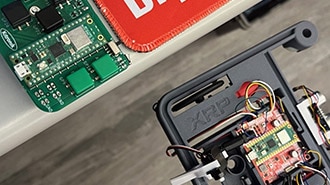
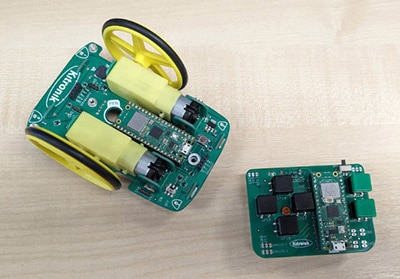
In this blog we are going to look at how to wirelessly control the Kitronik Autonomous Robotics Platform for Pico with the Kitronik Mini Controller for Pico. We will use two Raspberry Pi Pico W's, one in the ARP buggy and the other in the Mini Controller.
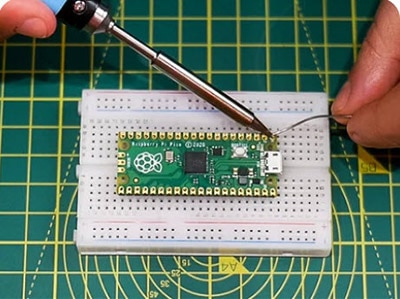
Learn how to set up your Pico, ready for Pimoroni addons.
Create CircuitPython libraries with ease using Cookiecutter: Beginner's guide to streamlined development. Boost productivity and unleash creativity!
Web connectivity made easy: Explore Adafruit IO, Arduino Cloud, IFTTT, and more. Connect and automate with ESP8266, ESP32, Particle, and Raspberry Pi Pico W!
Co-Browse
Wenn Sie die Co-Browse-Funktion verwenden, erklären Sie sich damit einverstanden, dass ein Kundendienstmitarbeiter von DigiKey Ihren Browser aus der Ferne betrachten kann. Wenn das Co-Browse-Fenster geöffnet wird, geben Sie bitte die Sitzungs-ID, die Sie in der Symbolleiste finden, an den Kundendienstmitarbeiter weiter.
DigiKey misst dem Schutz Ihrer Privatsphäre große Bedeutung bei. Weitere Informationen finden Sie in unserer Datenschutzerklärung und unserem Cookie-Hinweis.
Ja, weiter zu Co-BrowseVielen Dank!
Behalten Sie Ihren Posteingang im Auge, um Neuigkeiten und Updates von DigiKey nicht zu verpassen.
Bitte geben Sie eine E-mail-Adresse ein
Bitte akzeptieren Sie den Erhalt von Marketing-Informationen per E-Mail